Professional Image Conversion Tool
Convert Images Fast with High Quality & Accuracy
An fully integrated interface focusing on performance and ease of use, featuring direct in-browser conversion without compromising the core functionality of the tool, tailored professionally for major websites.
Drag & drop files here or click to choose images
Supports single and batch conversion with automatic ZIP downloadThe tool runs entirely in your browser, delivering a fast, structured, and SEO-friendly experience.
Comprehensive Guide to Professional Image Conversion
Our image converter tool helps you prepare files for publishing on websites, online stores, and blogs at lightning speed while preserving optimal quality for a smaller file size.
Why is this tool genuinely useful?
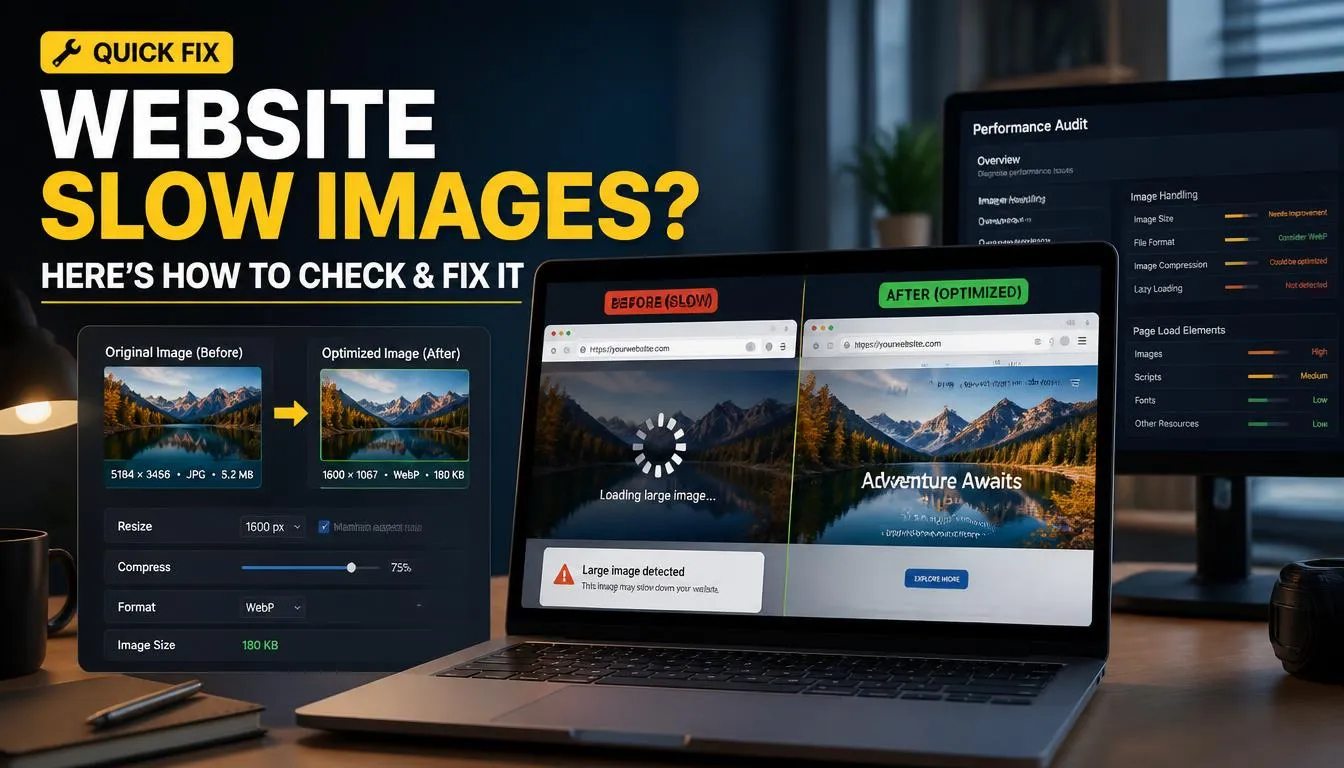
- Reduces large image sizes to speed up page loading, especially on mobile devices.
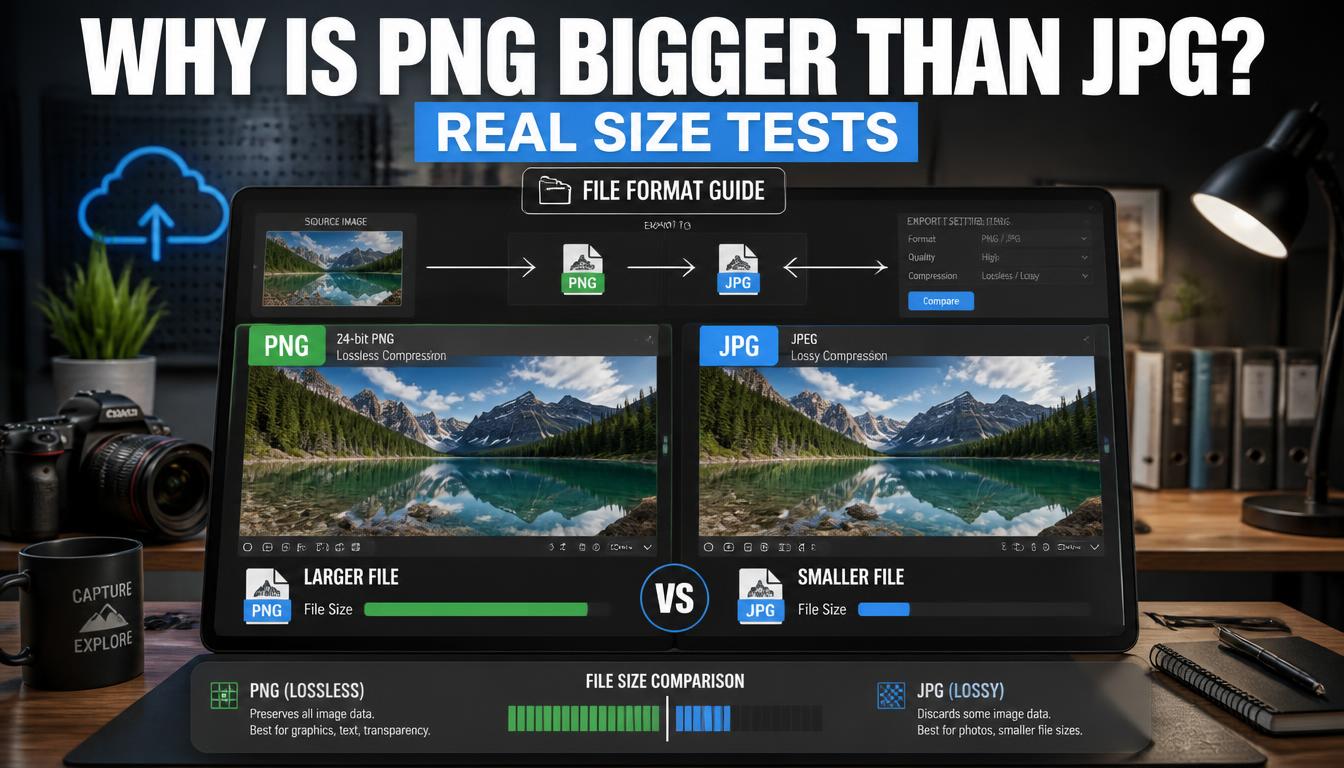
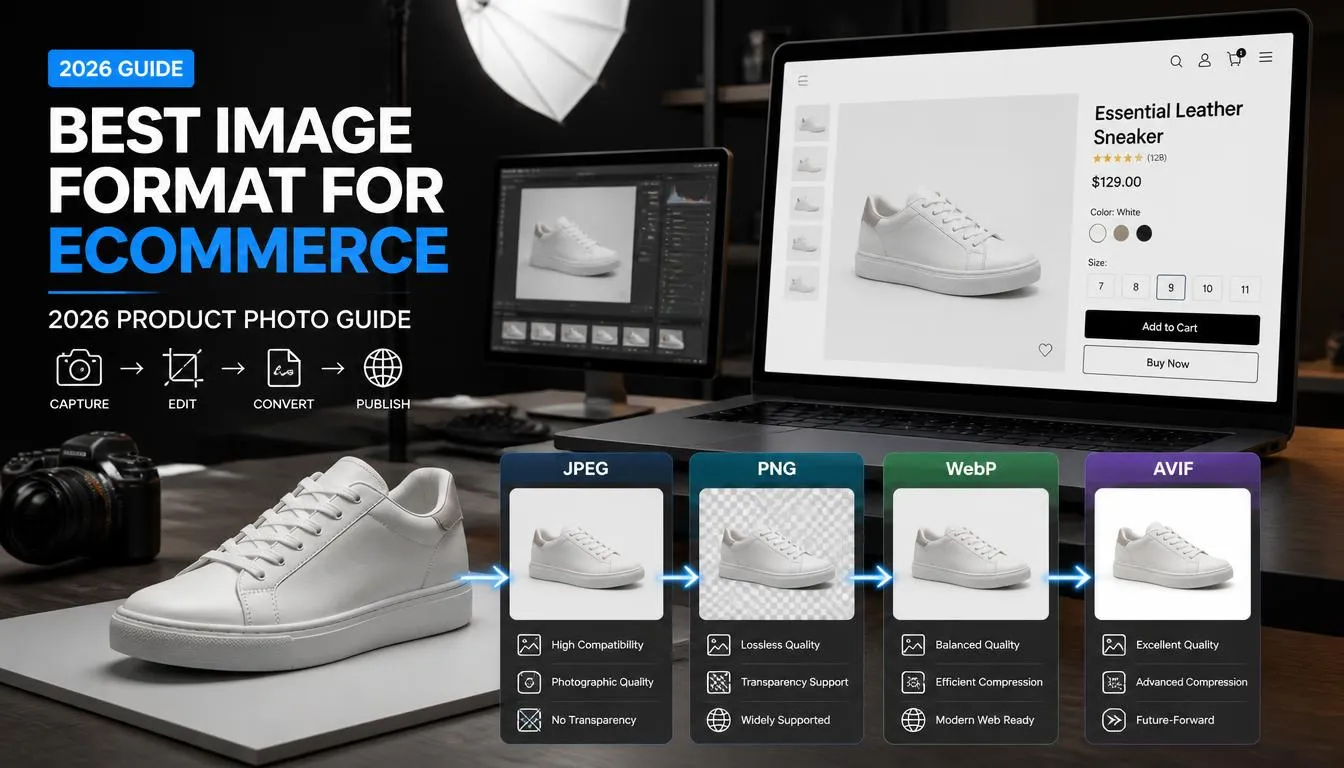
- Supports WEBP, JPG, and PNG formats to stay compatible with various content management systems.
- Allows batch conversion for a large volume of images in a single workflow.
- Provides direct control over the quality level to strike the perfect balance between clarity and file size.
Step-by-Step Instructions
Begin by uploading a single image or a batch of images via drag-and-drop or using the file selector. Next, select the format that fits your needs. If your goal is maximum website speed, WEBP is usually an outstanding choice.
Latest blog posts
-
Why WebP Images Look Broken in Safari (Fixed)
Why Your WebP Images Look Broken in Safari (And How to Fix It Without Losing Quality) I once spent a full afternoon convinced a client’s hosting was broken. Every image on their Squarespace product page loaded perfectly in Chrome, looked great in Firefox, and then just… didn’t show up in Safari. No error message, no…
-
I Compressed One Photo 5 Ways | Real File Sizes
I Compressed the Same Photo 5 Different Ways Here’s What Actually Happened to the File Size 835 KB. That’s what my test photo weighed as an untouched PNG a studio-style product shot with a label, some fine text, and a sharp-edged box. By the time I finished running it through five different compression paths, one…
-
Batch Convert PNG to WebP: Hundreds at Once
How to Batch Convert Hundreds of PNG Files to WebP at Once A folder of 312 PNG files can look harmless until you open it. The files in this particular batch came from a SaaS documentation project: product screenshots, annotated setup guides, transparent icons, dashboard captures, onboarding graphics, and a few full-width feature illustrations. They…
-
Best Way to Bulk Convert Images to WebP (No Software Needed)
Bulk Image Converter Online: Convert Images to WebP One hundred and forty listing photos. Exterior shots, kitchens, bathrooms, floor plans, neighborhood images, agent headshots, and a handful of drone photos mixed into the same folder. The redesign was nearly ready to launch, but the image library was a problem. Several files came straight from a…
-
WebP Not Supported? How to Open and Convert Files
Can’t Open a WebP File? Here’s How to Convert It Instantly A folder of 48 product images opened without any problem in Chrome. Then the client uploaded the same files to a marketplace portal, and every upload failed with the same vague message: “Unsupported image format.” Nothing was wrong with the images. The problem was…
-
Convert Screenshot to JPG or PNG and Compress It
How to Convert and Compress Screenshots for Sharing Thirty-six screenshots. A bug report due before a developer handoff. And a team chat that refused to upload the full folder because the files were too large. The screenshots were not photos. They were ordinary browser captures: admin panels, mobile layouts, payment errors, broken buttons, and a…
-
Convert JPG to WebP Online in Seconds for Free
How to Convert JPG to WebP Online in Seconds There were 186 JPG files in the media library. Most were completely ordinary: office photos, staff headshots, before-and-after images, a few service-area maps, and plenty of stock-style hero images uploaded over several years. None looked unusually large when viewed one by one. Together, though, they were…
-
Convert PNG to JPG Without Losing Visible Quality
How to Convert PNG to JPG Without Losing Quality A set of 24 product mockups looked perfect in the design folder. Crisp lettering. Sharp edges. Clean brand colors. Then the client tried sending them in an email campaign review and hit an attachment-size limit almost immediately. The files were PNGs, which made sense while the…
-
HEIC to PNG: Convert iPhone Photos Free Online
How to Convert HEIC to PNG for Free (Step-by-Step) The photo files arrived from an iPhone, but the design brief called for PNGs. That sounds like a small request until you are staring at a folder full of .HEIC files, a Canva-style layout waiting for image assets, and a client who wants to add labels,…